Creating an Ergonomic Workstation: Everything You Need
For posture & productivity.
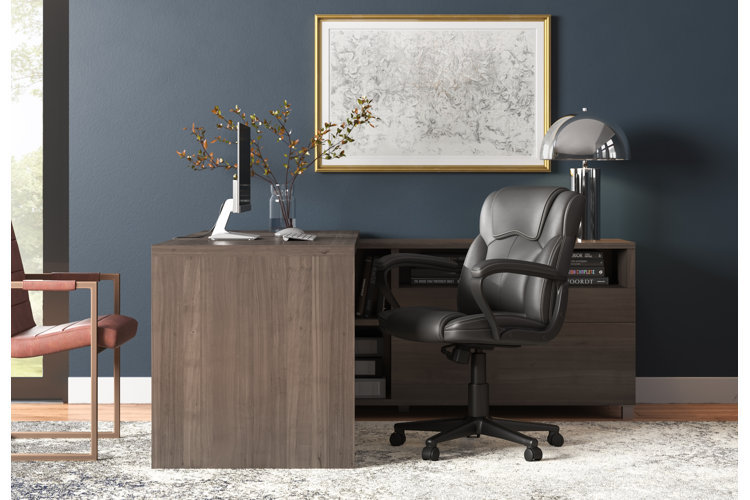
Ergonomic workstations are intended to reduce everyday strain and discomfort from sitting at a desk for extended periods of time. Discover the benefits of ergonomics and follow the steps below to create an ergonomic workstation so you can be comfortable and productive in your home office.
Ergonomic Workstations & Their Benefits
What Is an Ergonomic Workstation?
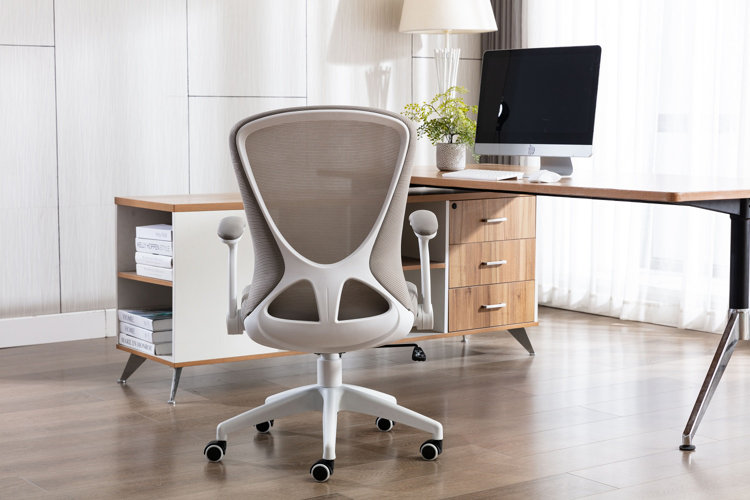
Ergonomics are about adjusting a job to fit a person, not the other way around. Sitting at a desk for long hours can take a toll on your body’s natural posture. An ergonomic workstation is designed to help you maintain a neutral body position to limit discomfort and strain during long work days. Ergonomics are a combination of having the proper office equipment and adjusting your desk setup to support healthy posture.
What Are the Benefits of Ergonomics?
- Less shoulder, neck, and back pain
- Better posture
- Improved circulation
- Reduced muscle fatigue
- Reduced skeletal strain
- Lower risk of repetitive strain injuries
- Enhanced focus and productivity
How to Create an Ergonomic Workstation
1. Position Your Monitor Screen at Arm’s Length
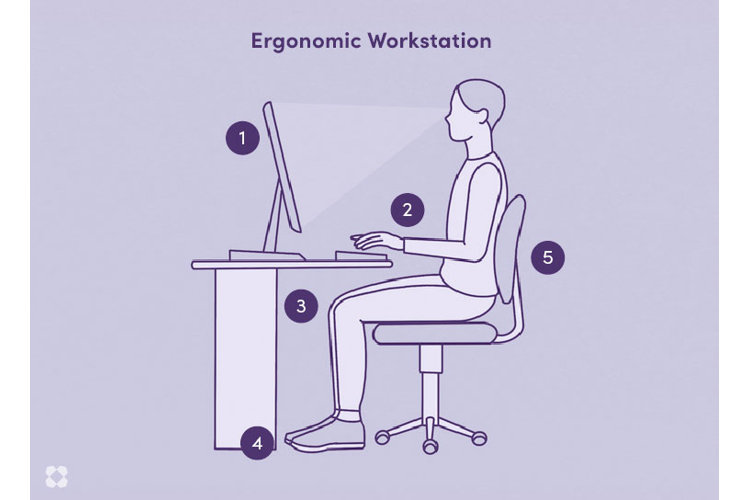
Place your computer monitor at about arm’s length (between 18" – 24") to help prevent eye strain and fatigue from the screen. Keep the top of the monitor at or slightly below eye level to prevent neck strain. A monitor that is too high or low can cause you to crane your neck or hunch forward which leads to poor posture and upper body discomfort. Consider investing in a height-adjustable desk or monitor stand for your workspace so you can easily customize the height of your computer for optimal comfort.
2. Ensure Your Wrists Are Straight
Keep your wrists straight and your elbows at around a 90° angle with your forearms parallel to the floor when typing and using a computer mouse. This will help prevent nerve compression and stress on your tendons that can lead to long-term issues like carpal tunnel syndrome and tendonitis. To help support your elbows at a suitable height, choose an office chair with height-adjustable armrests. Desk mats or mouse pads with built-in cushions can add to your comfort and support proper wrist alignment during repetitive tasks.
3. Keep Your Knees at a 90° Angle
When seated in your desk chair, you want your knees to be at around a 90° angle with the tops of your thighs parallel to the floor. This will ensure unrestricted blood circulation in your legs and reduce pressure on your joints. This positioning will also help keep your hips at a 90° angle too – preventing lower back pain and improving your posture. Consider investing in an adjustable-height office chair so you can find the right position for your legs. If your chair height is fixed or you need more hip support, try adding a cushion to the seat.
4. Place Your Feet Flat on the Floor
Placing your feet flat on the floor will provide a solid foundation for good posture at your ergonomic workstation. Sitting with your legs crossed or feet dangling from a too-high chair can put pressure on your hamstrings and cut off circulation to your lower legs, leading to numbness. If your office chair seat is too high, add in an adjustable footrest to prop up your feet. Some office chairs have built-in footrests to take additional pressure off your legs and lower back.
5. Maintain Neutral & Relaxed Posture
The position of your arms, hips, knees, and feet as detailed above will help you keep neutral posture. Try to relax your shoulders when sitting to prevent tension in your upper body. The right office chair is essential to supporting proper posture at your workstation. Look for an ergonomic desk chair that is designed to fit the natural contour of your spine for optimal support. Desk chairs with lumbar support are also helpful for maintaining spinal alignment and reducing chronic back pain. If a new desk chair isn’t in the budget, try to incorporate a lumbar back cushion on your office chair for temporary support.
