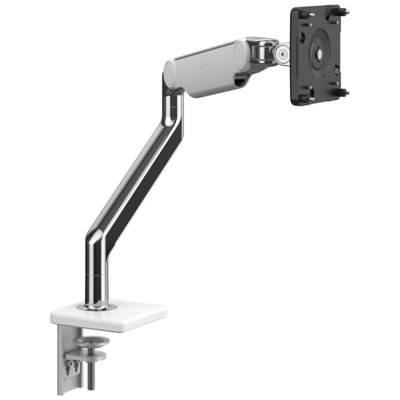
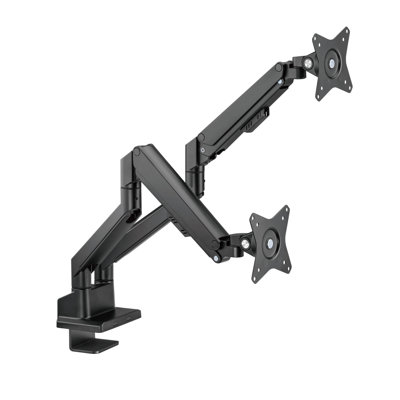
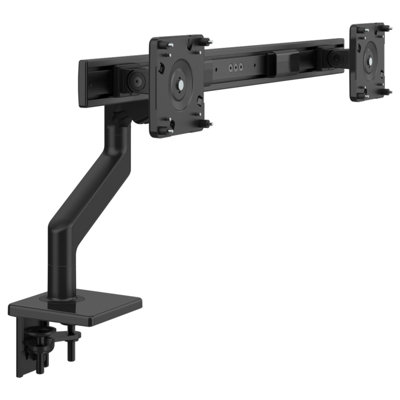
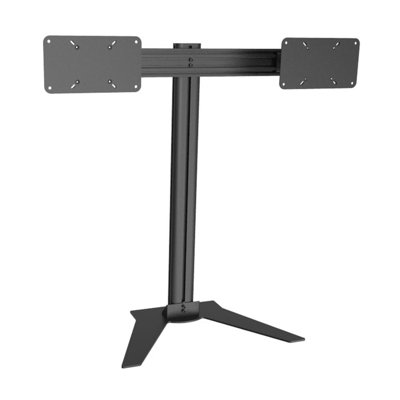
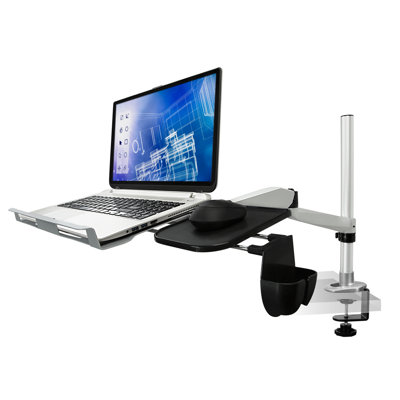
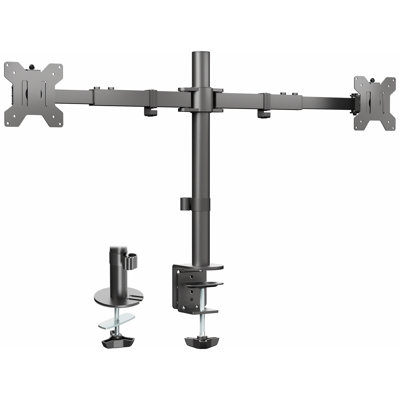
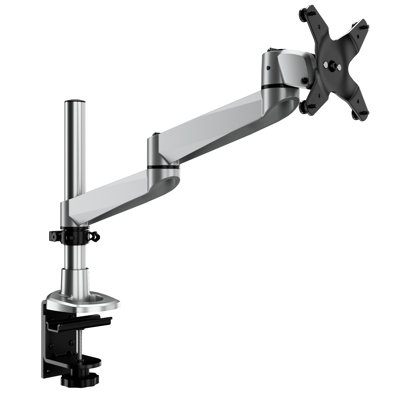
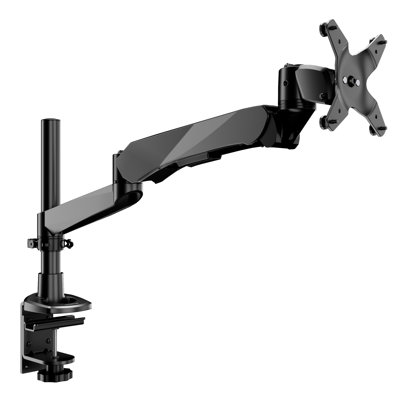
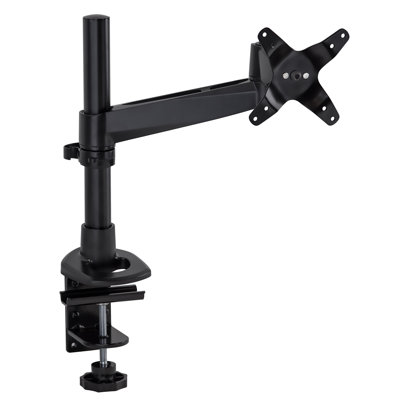
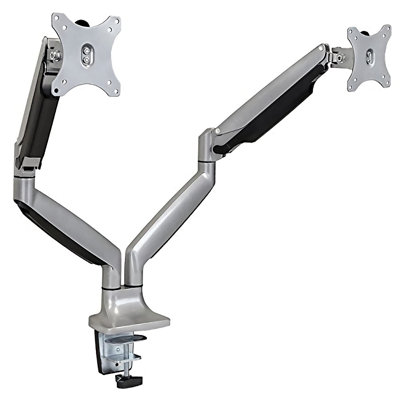
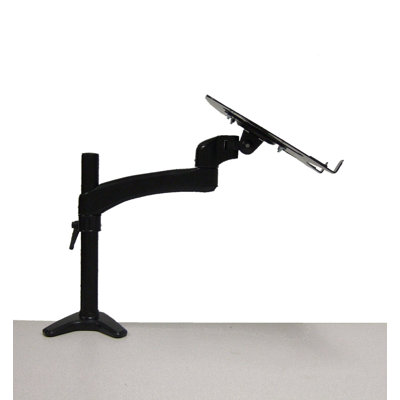
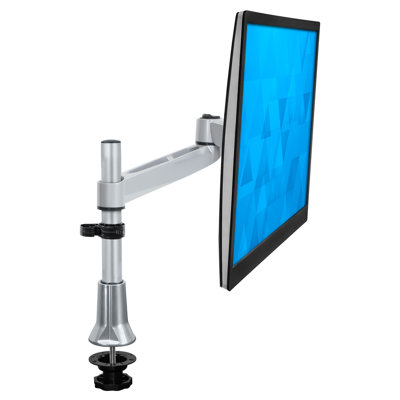
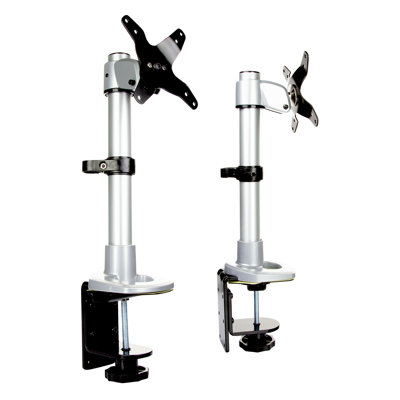
The MI-75906 laptop desk mount will help you create a more ergonomic workspace. The single-arm mount can be adjusted for sitting, standing, or even laying down. Simply slide the articulating arm up the height adjustable pole to find the ideal setting. Tilt the screen to reduce glare and eye strain. The lock screw keeps the adjustable arm in place once you've found your ideal setting. Integrated cable management system helps keep your desk clean and tidy. The C-clamp fits desks up to 3.5" thick.
I am using this for my 15-inch, MacBook Pro are(14" wide, 10" deep) and it fits the tray perfectly. You could go wider and deeper with no problem. I have it clamped to a table next to my recliner and swing the arm to a comfortable position, so I can use the computer and watch TV at the same time.The combination of adjustments are extensive enough to accommodate almost anyone. I've used other stands and swing tables but this is the best. It is much lighter and less bulky then others.I have the clamp type and found out that you need a tabletop with no lip in order to clamp this on. You will need about 4 1/2 inches deep and 4 1/2 inches of space underneath the tabletop in order to tighten the clamp. And you must clamp it tight! You will not want your laptop slipping or tipping because it wasn't tightened strongly enough. The stand is solid and well constructed but you are extending weight on the end of an adjustable arm, so some common sense is required. Also the table you clamp this to must be very heavy to offset the extended weight of your laptop. Without adding a long and it involved Physics formula (which I don't know anyway :-)) just be aware that the longer the arm is extended, the heavier it will be at the base. I added weights to the shelf below to keep it from tipping. I also had to make sure that the table was low enough to allow the platform to swing over the arm. The only real complaint I have is that when the arms extended out and I am typing, the shelve and laptop tend to bounce. I'm not sure how you would fix that and if anyone has ideas let me know.I am using the Velcro strap that came with it for now, but I cannot close the cover on my Mac with it in place. My workaround is to put the Mac to sleep when not using for a long period of time. Again if anyone has any ideas, let me know.I am disabled and this has made the use of my Mac so much more convenient and less intrusive. I can swing it out-of-the-way when talking with people and swing it back when needed easily. Depending on your own circumstances I highly recommended this, and plan to use mine for several years.. Racine. Sat Aug 13 2016