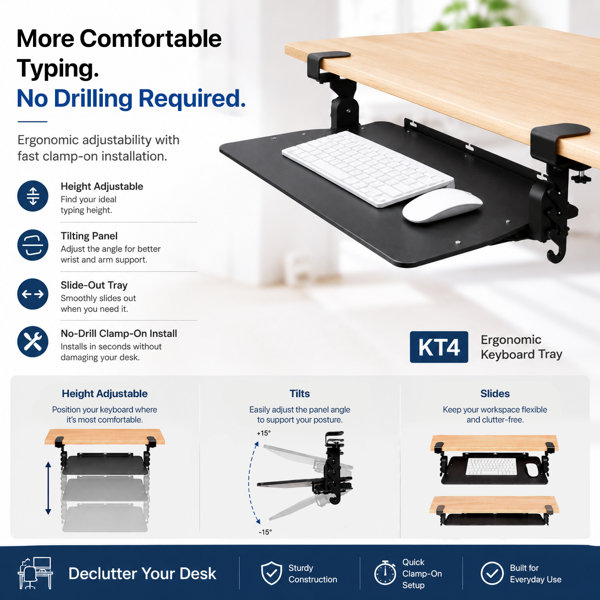
Your desk should make work easier, not force you to work around a keyboard that takes over the surface. KT4 moves your keyboard and mouse below the desktop, creating more room for the tasks, notes, and equipment you use every day.
Unlike basic clamp-on keyboard trays that only slide, KT4 adjusts by height and tilt so you can bring the keyboard closer to elbow height and choose a neutral or negative typing angle. Pull the tray out when you need it, then slide it below the desk to create a cleaner, more open workspace.
Installation is deliberately simple. Screw the two clamps onto a compatible flat-edge desktop, insert the tray, and start typing. No tools and no drilling are required. If your monitor setup changes or the first position is not quite right, loosen the clamps and reposition the tray in seconds.
KT4 is well suited to home offices, standing desks, office workstations, shared desks, reception counters, and service desks. Its steel frame and composite panel support up to 10 lbs, while the mouse area can be configured on either side for left- or right-handed use.
Before ordering, confirm that your desktop is no more than 1.25" thick and has at least 3.1" of clear space below the front edge. The tray measures 31.4" W x 10.2" D overall, with 25.6" W x 9.7" D of usable keyboard and mouse space. Includes keyboard tray, 2 clamps, and manual. Keyboard and mouse are not included.